Data Hoarding in an RV - Updated
In my previous article of https://blog.lanlocked.xyz/data-hoarding-in-an-rv/, I documented how I was using a Synology DS1520+ as my NAS. After fighting with it and the main array of weird issues Synology desires to implement, which I won’t get into here, I have recently sold the setup and gone with a much more robust system, or systems, in my RV.
I have built three new server systems, but first lets start with what hardware I am currently running.

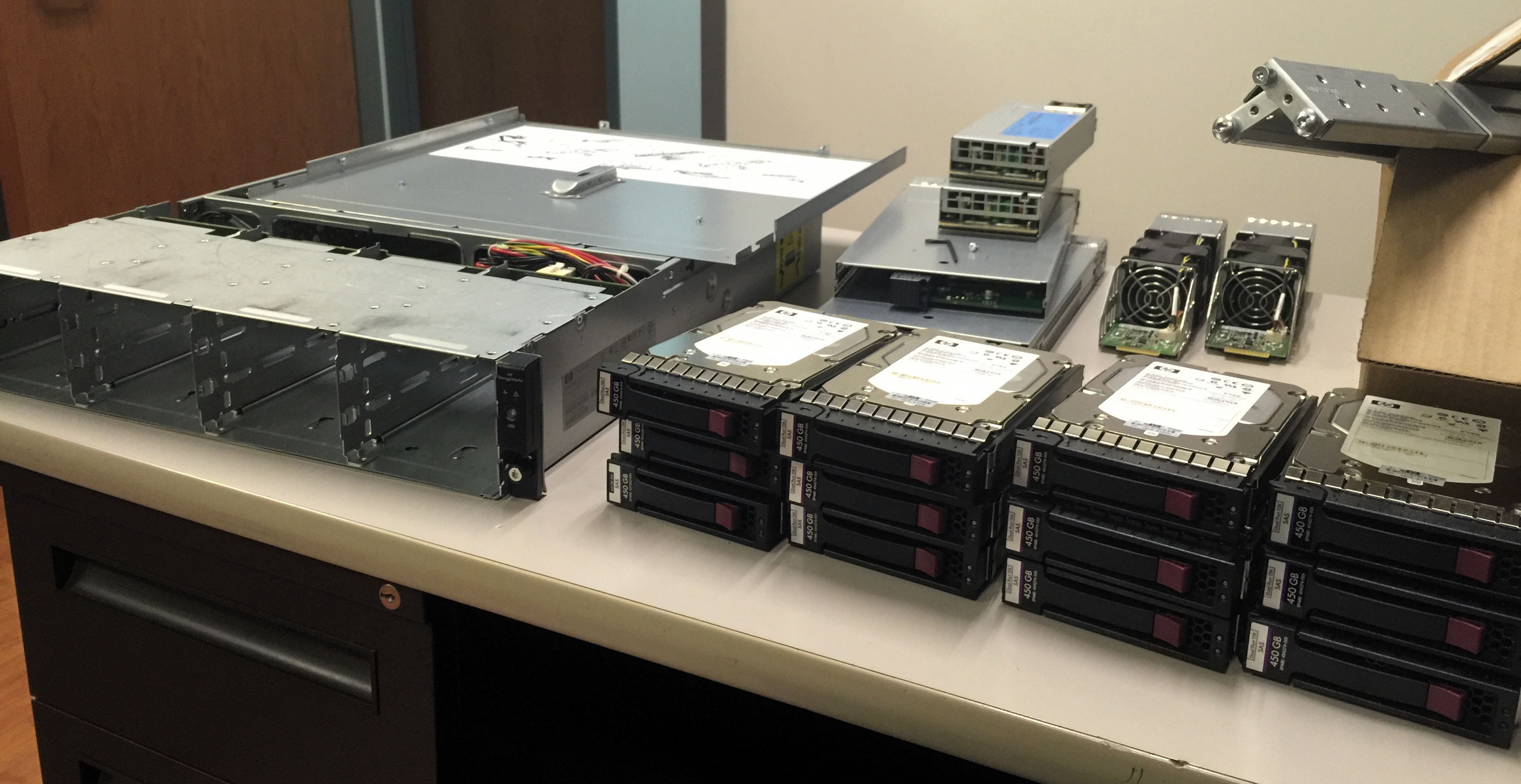
 Believe me it was hard giving up on my networks, and servers, server racks, and full tower PCs, but going miniature and finding out what you really need is freeing. It’s not totally based on the fact that I don’t want things its also based on the fact that I don’t have room enough to put stuff in.